SYSTEM COMPARE RESEARCH DESK
Your Email Looks Ready. Is the Workflow Ready?
Check the audience, content variants, destination, display, approval and measurement behind your next email campaign.
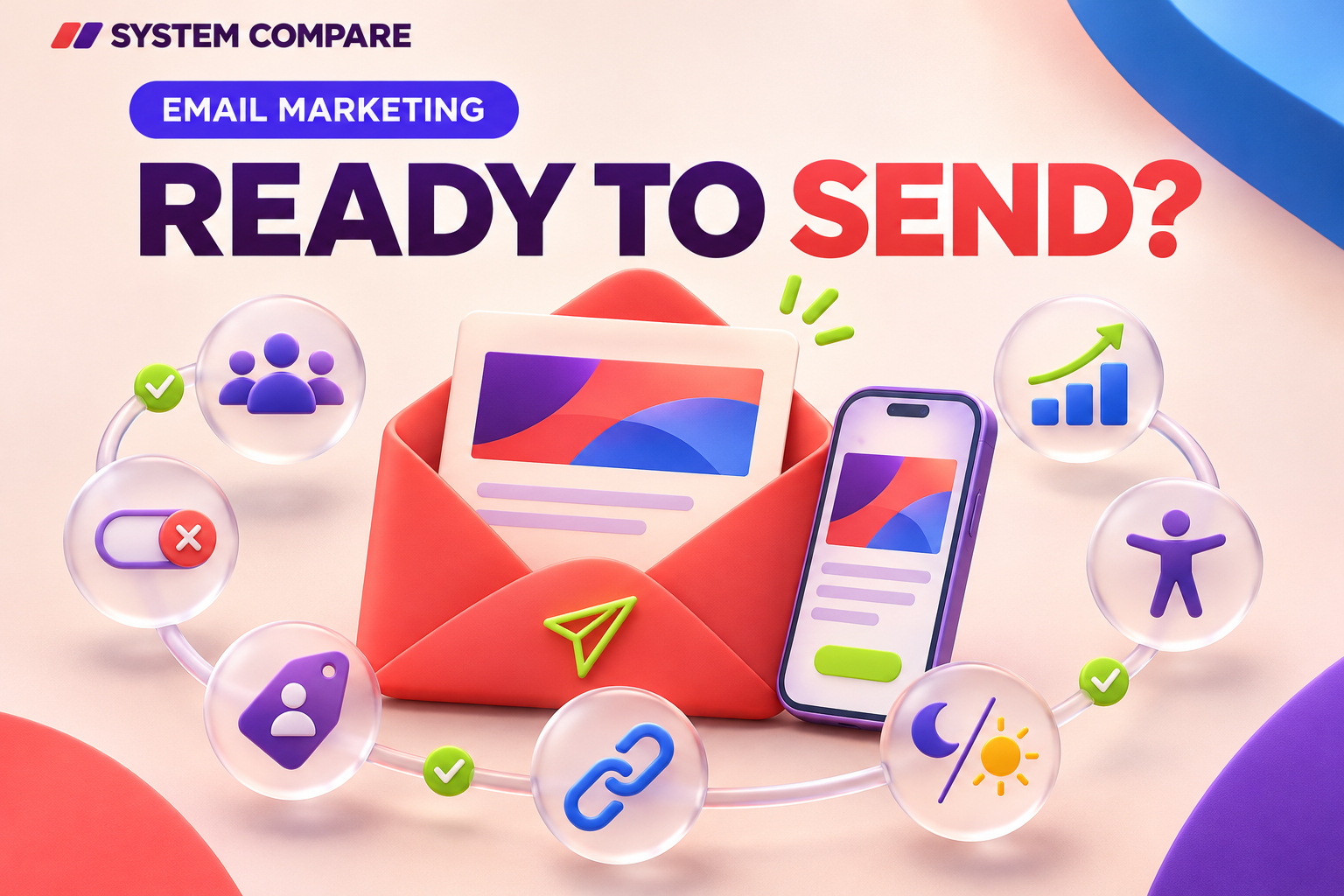
An email campaign is more than a finished design
Email marketing software helps a team manage audiences, create messages, control sending and review results. The editor is one part of that workflow. A campaign can look polished while the audience, approval process or destination links still need attention.
Before your next send, follow one recipient from selection through to the intended outcome. Use that journey to organize a practical check of your current process, or to evaluate another platform. The aim is to make the important decisions visible before anyone clicks Send.
1. Define the audience at sending time
Write down who should receive the campaign and who should be excluded. Test representative contacts, including a recent customer, someone who has unsubscribed and someone with incomplete information. For a delayed sequence, check what happens when a contact's status changes while waiting.
Confirm how separate audiences interact. Mailchimp's official guidance explains that audiences are independent and do not share contact data. Do not assume a change in one audience automatically updates another. Verify the structure and suppression behavior used by your chosen platform. These operational checks do not establish legal compliance.
2. Review the variants, not just the example
Personalization can produce different messages from one campaign. Preview a person with all required fields, someone with a missing first name and a contact eligible for a different offer. Check fallback wording, dates, amounts and personalized destinations.
If AI helped draft the message, review its statements against the campaign brief. Name someone responsible for approving the final content. A convincing sentence in a preview is not evidence that the offer, product detail or timing is correct.
3. Test the complete destination
Open the main call to action from a test message and continue beyond the landing page. Can the recipient find the promised item or complete the next step? Repeat the check for secondary links and the preference link.
Use a consistent naming convention for campaign tracking. Inspect the actual destination when the platform adds tracking parameters automatically. A working link can still lead to the wrong offer, so combine automated checks with a review of what the recipient encounters.
4. Read it in more than one setting
Send tests to the devices and email applications that matter to your audience. Examine small screens, dark mode, long headings and buttons below the first screen. Compare the result with the editor's preview.
Also read the message with images unavailable. Essential information should remain understandable as text, with meaningful alternative text for images that convey information. Review the plain-text version and its links. These checks form part of accessibility work; they are not a complete accessibility assessment.
Ask which previews and editing controls your plan includes. A rendering preview or spam check does not guarantee inbox placement.
5. Separate preparation from release
Agree who prepares the message, who reviews it and who authorizes sending. Test the actual roles rather than assuming a label such as editor or manager provides the permissions you expect.
At approval, review the audience, sender, subject, content version, scheduled time and expected volume together. Confirm the account allowance and what happens if a late edit changes the approved campaign. Check whether the proposed subscription supports your process before treating an approval feature as available to everyone.
6. Decide how you will assess the result
Choose the intended outcome before the campaign starts: a booking, inquiry or purchase, for example. Establish where it will be recorded and what assumptions connect it to the email.
Review clicks, bounces and unsubscribes alongside that outcome. An open is not proof that somebody read the message. Check reporting definitions, the available detail and whether you can export information needed for your review. Avoid letting an attractive summary chart stand in for an agreed measurement approach.
Use the workflow as a buying checklist
Keep one campaign brief and record which checks your team can complete, which need another plan or integration, and which remain unresolved. The same brief can guide a software demonstration without turning it into a contest over the longest feature list.
Explore the System Compare US email marketing category for documented capabilities and questions to verify. Its methodology distinguishes supporting evidence from unverified requirements. A product-level capability does not establish that it is included in every subscription, so confirm the exact package and workflow with the supplier before committing.
Sources and further reading
Editorial synthesis of the linked official documentation and SystemCompare category research. Recommendations are a practical checklist, not hands-on product testing or a performance guarantee. Plan-specific availability should be confirmed with the supplier.
- System Compare US: Email marketing
- Mailchimp: Create a Mailchimp Audience
- Mailchimp: About Unsubscribes
- System Compare US: Methodology